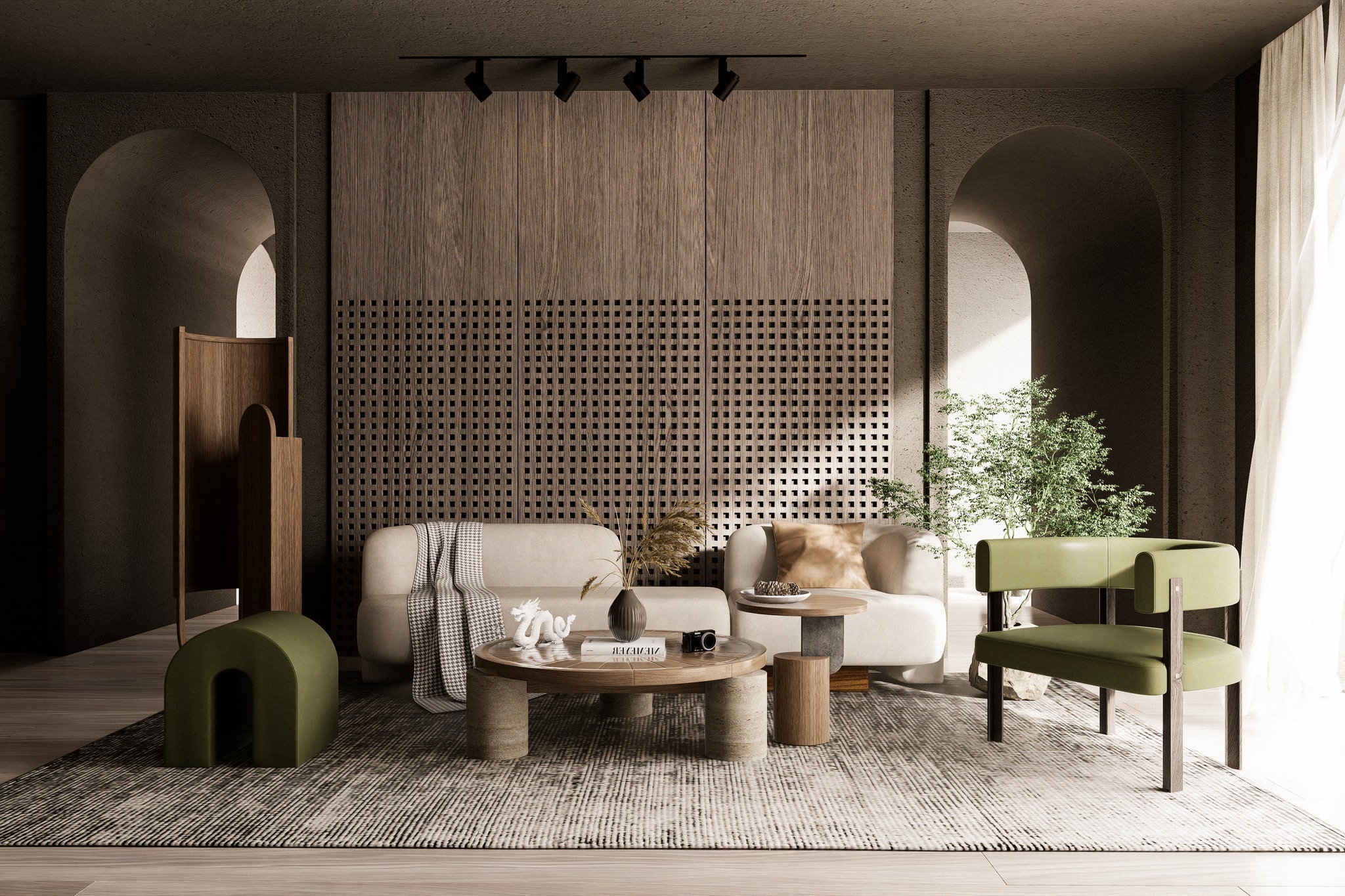


Your Flow. Unbroken.
An ecosystem that evolves with your design — bridging AI and precise 3D control to carry every decision forward, from first sketch to final delivery.
The Disconnect.
Design is continuous.
Tools have not been.
Modeling, rendering, presenting —
each stage forces a break in your thinking.
Every transition is a rebuild.
Every iteration starts from scratch.
We believe a workflow is meant to flow.
What you decide once should travel with you — to the very end.
Tools should evolve with your intent.
Not fragment it.
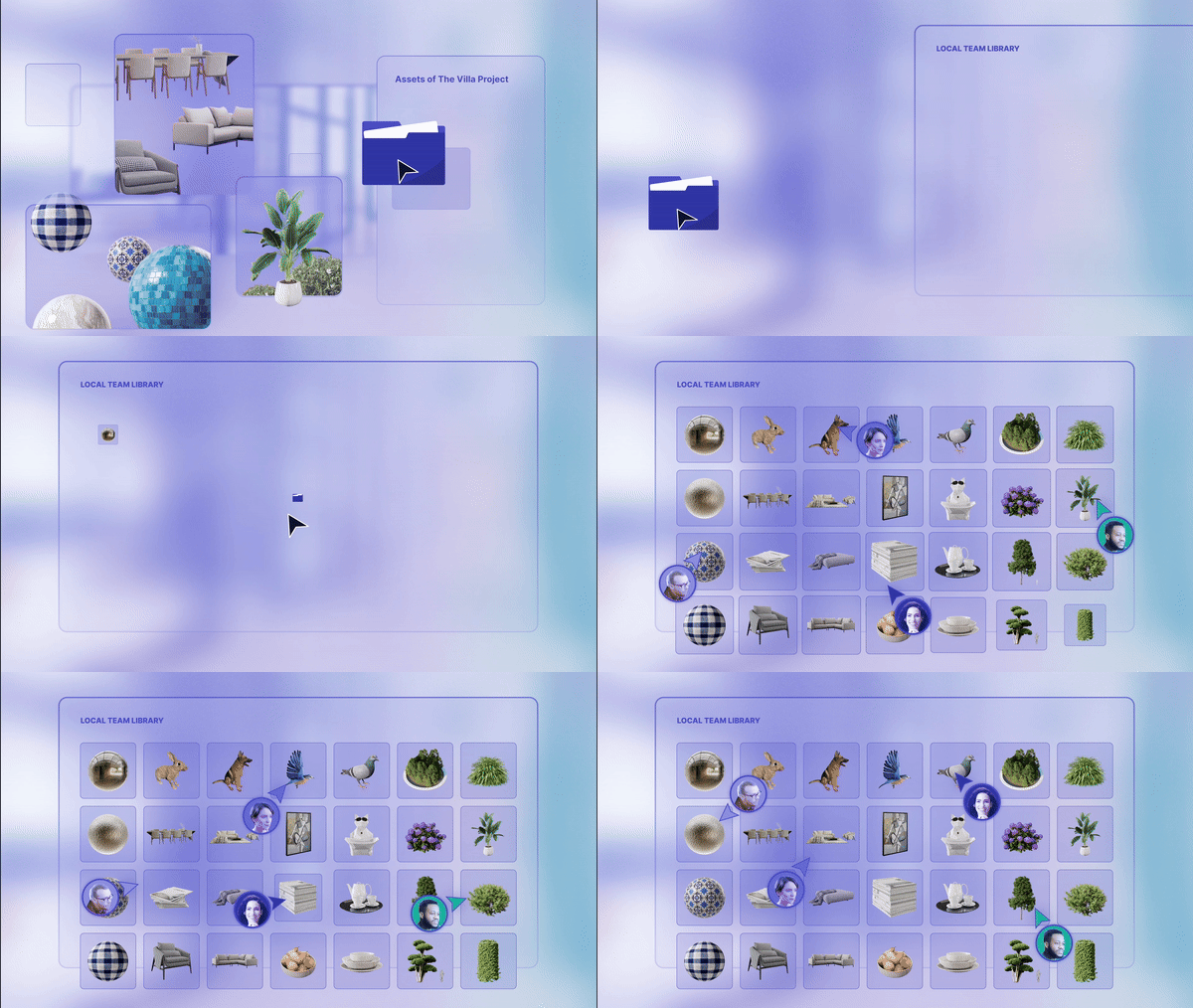
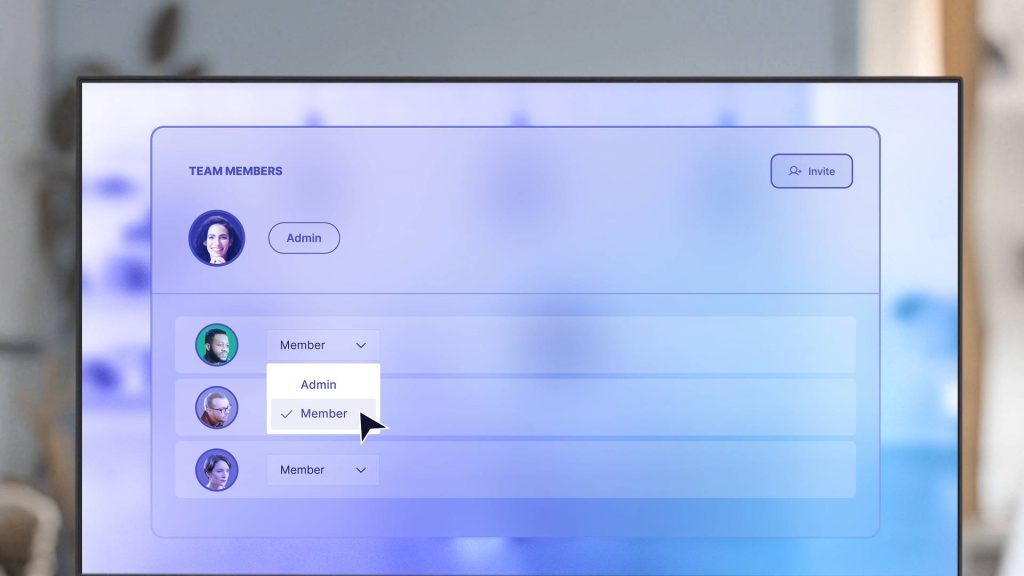
Cloud Collaboration
Bring your team into one project — across any distance.

Enterprise Team Library
Access anywhere, share anytime with secure Team Library.
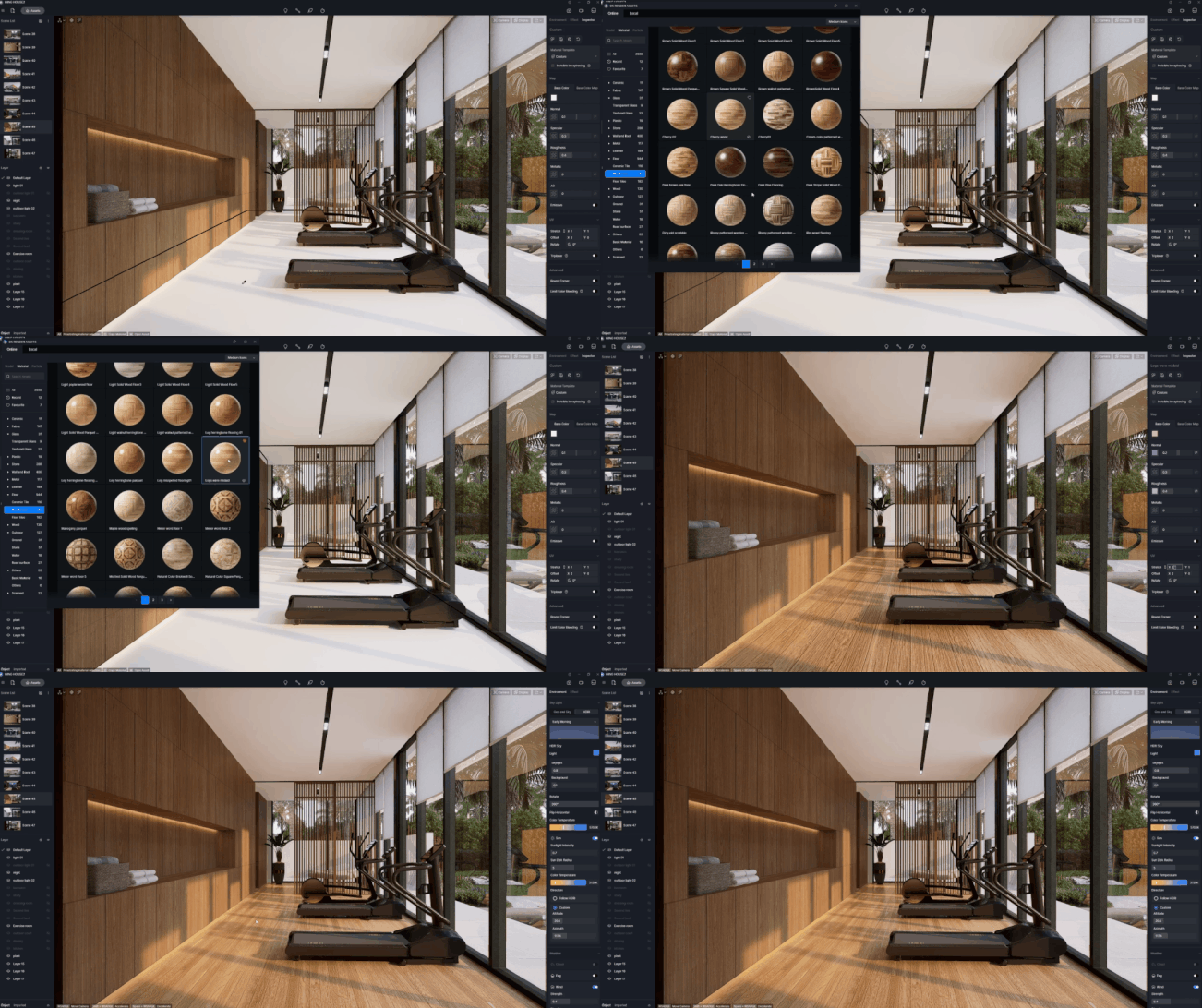
Interactive Presentation
Swap materials, lighting, and more — live. Decide on the spot.
Easy, Realistic Visualization for Everyone
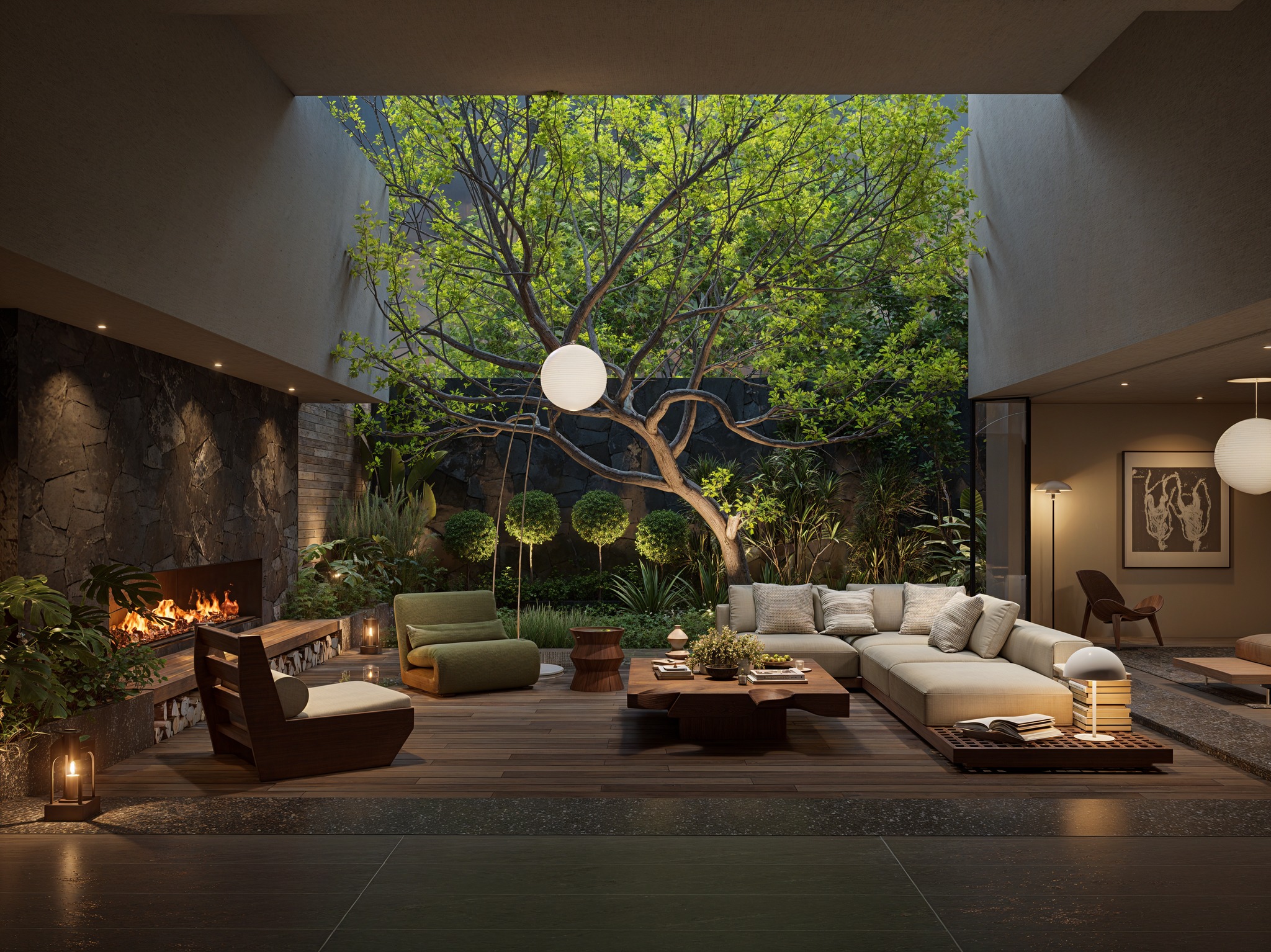
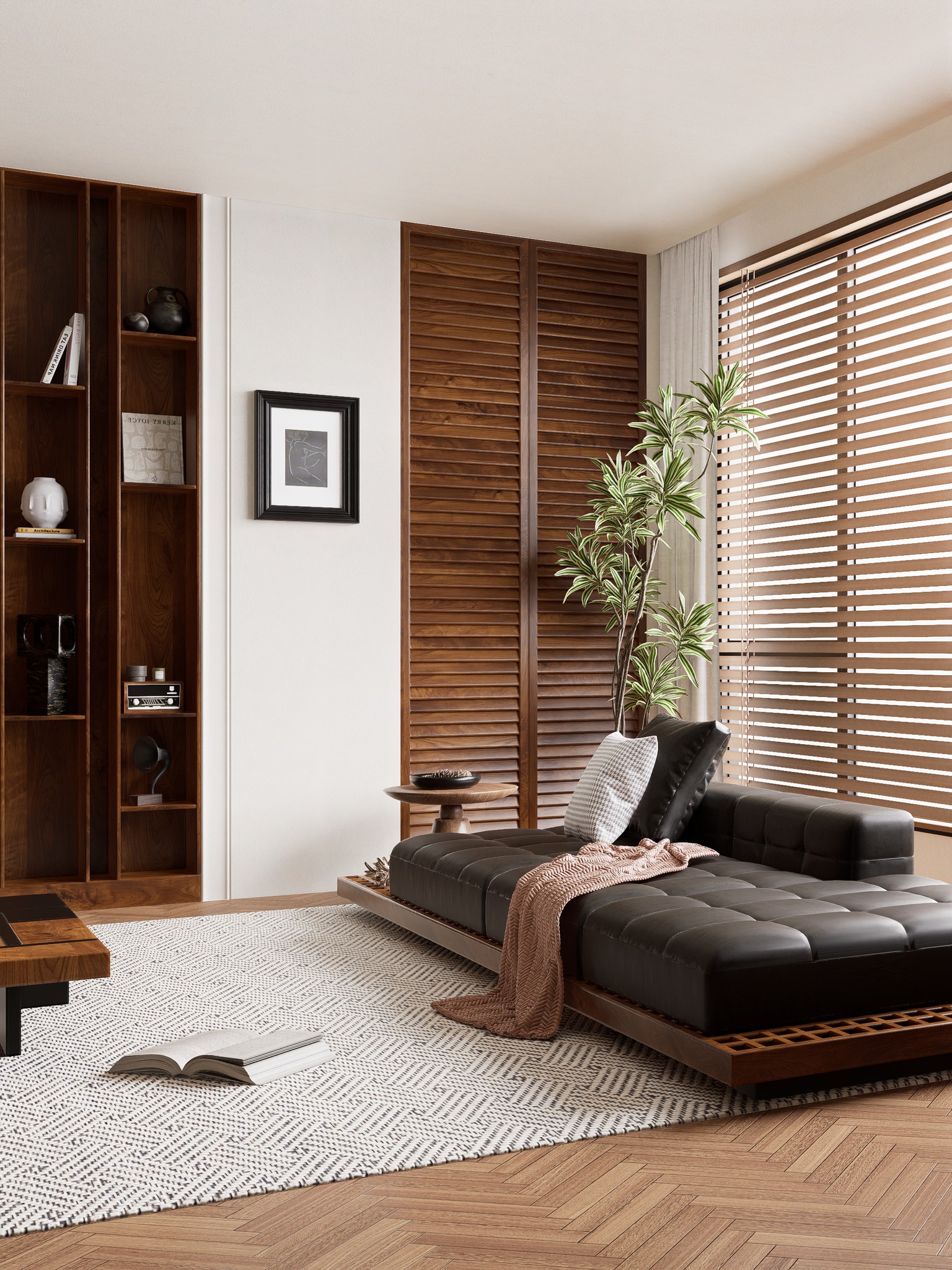
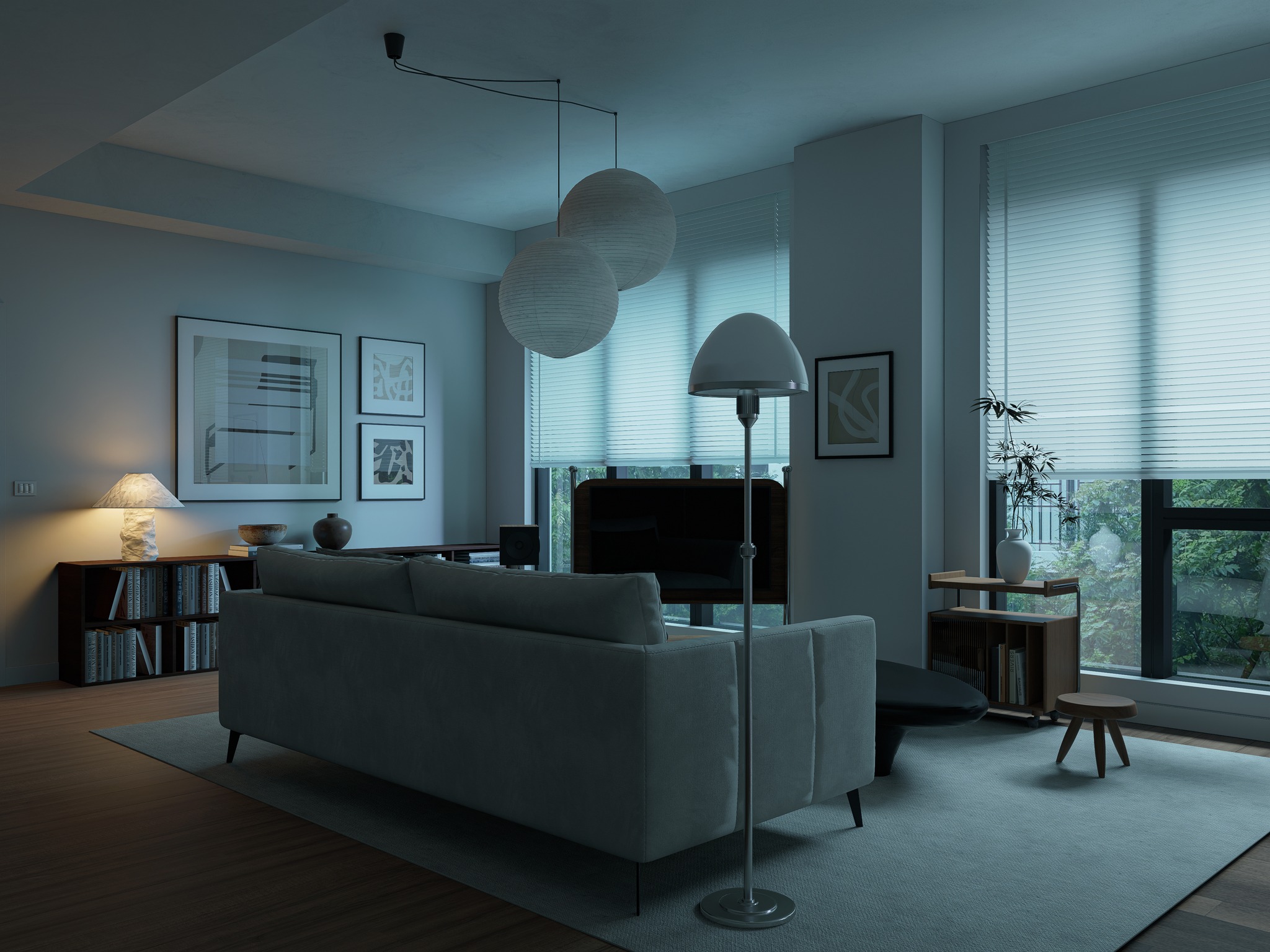
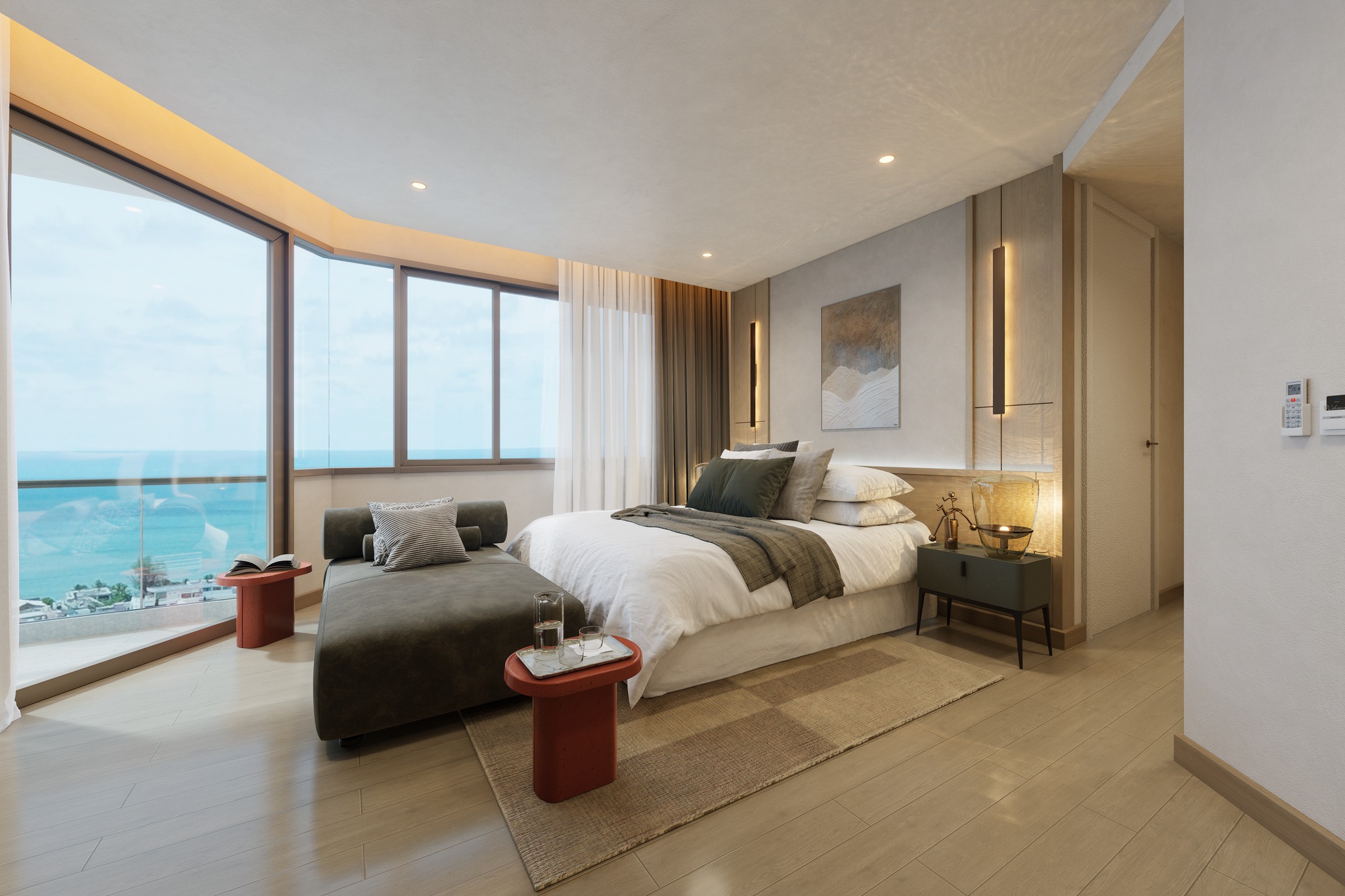
D5 Render is revolutionizing real-time visualization for professionals in architecture, interior design, and 3D animation. Import your models and instantly achieve a sense of reality throughout the creation process. Say goodbye to outdated rendering techniques—D5 makes visualization as natural as common sense. With a gentle learning curve and effortless access to a vast asset library, bringing your story to life has never been easier or more intuitive.
10X
Faster Output
60%
Efficiency Improvement
3 Days
To Master D5
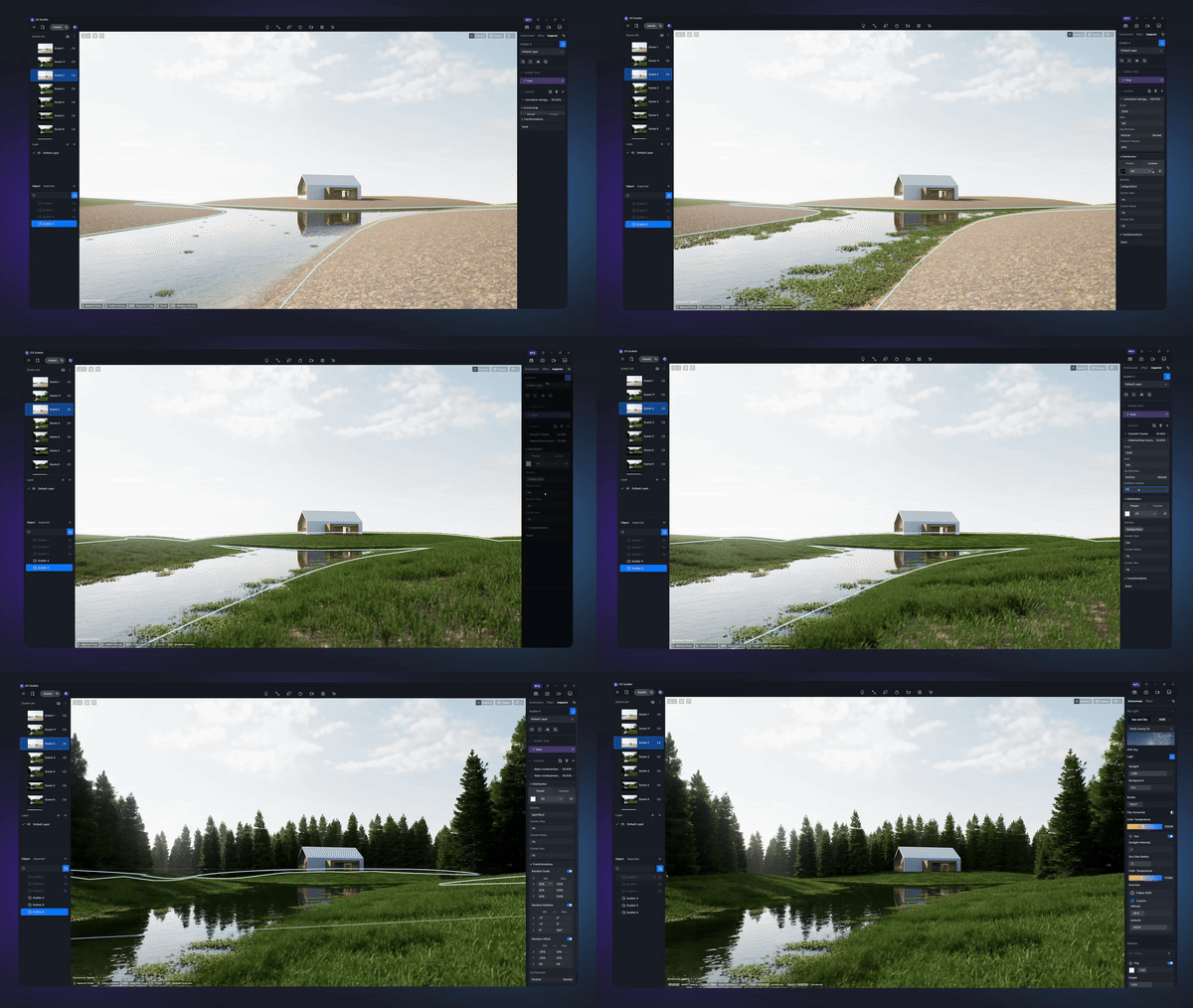

Frequently updated landscape model/material library tailored for different regions

PCG-driven D5 Scatter tool to easily achieve complex, layered landscape design

Grouped plant combinations that help you reuse them with ease

Real-time visibility of material adjustments
.png)
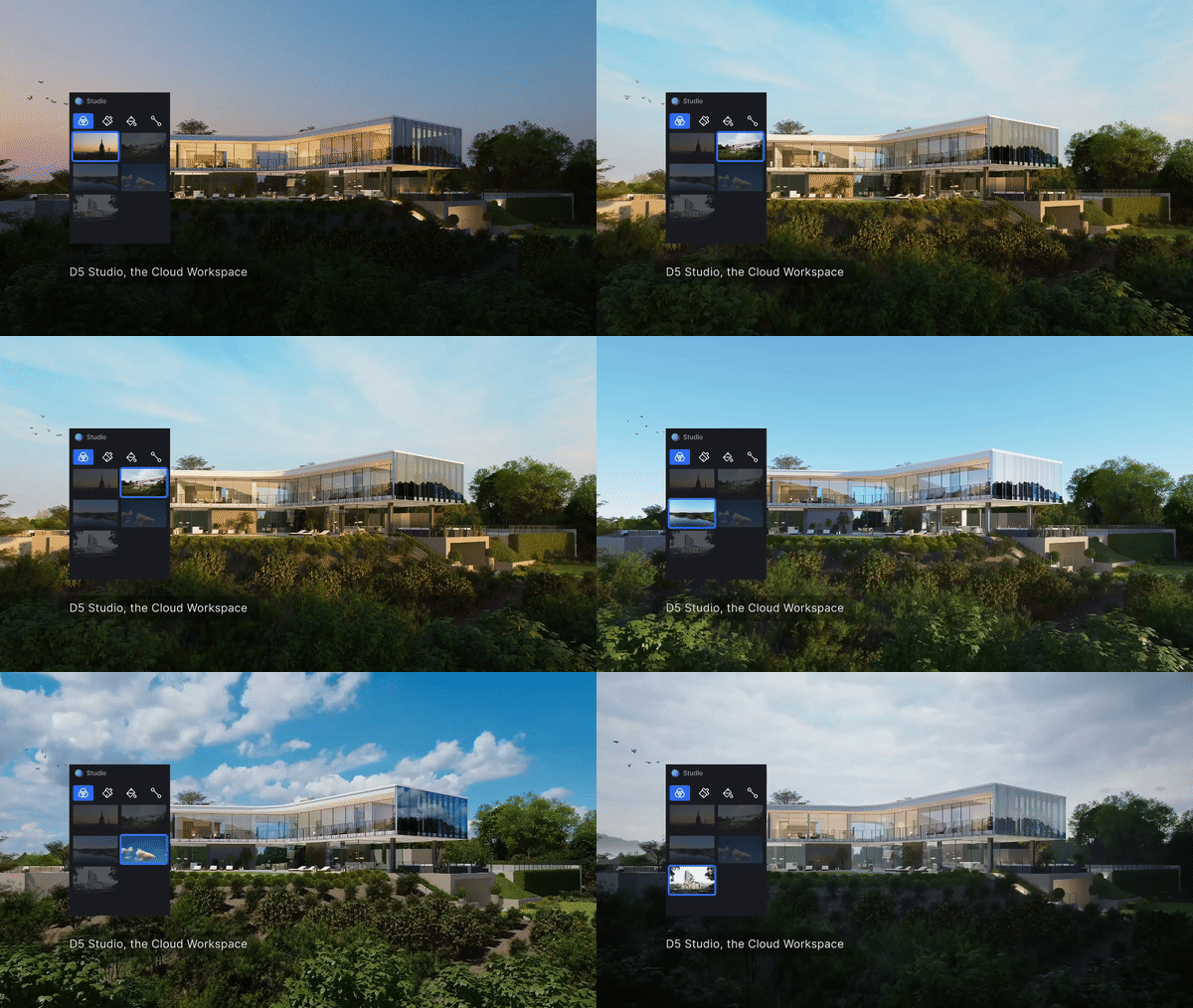
AI Atmosphere Match & AI Texture Map Generation

User-friendly environment and material system with no need of experience
Real-time rendering to get optimal effects right away, saving time on post editing

Abundant asset library with 13,000+ models and materials
Discover Plans

PRO
Available in 1-Year or 3-Year Subscription- Unlimited access to D5's AI-powered features
- PCG-driven D5 Scatter
- 13,000+ models, materials, particles
- Virtual Reality (VR) walkthroughs
- Various frame rate
- More export options
- Project merging capability
- Projector for custom video display
- Frame sequence rendering
- Technical support
- and many more
TEAMS
Available in 1-Year or 3-Year Subscription- Virtual Tour
- Simultaneous editing
- Member access control
- 100GB of cloud workspace
- Resource management & sharing
- Curated presets and more from D5
- and many more
- Expert support included
Evolve in the way your team works in the AEC industry
Crashed before saving the work. What can I do to recover?
Right-click on your most recent file and select “View previous versions.” Typically, the system automatically saves three previous versions, allowing you to select the latest one for viewing.
Which modeling tools does D5 Lite support?
D5 Lite is compatible with SketchUp versions from 2021.1 to 2026.
Support for additional modeling tools will be rolled out gradually, starting with Rhino, Revit, and 3ds Max.
What are the system requirements of D5 Lite?
Operating system: Windows 10 v1909 or later
Graphics card: NVIDIA RTX series GPU