

Smart Electronics. Smarter Companies. Created on Altium.
One Vision, Three Powerful Solutions:
Altium Discover, Altium Develop, and Altium Agile
Product Co-Creation without Boundaries
Free from silos, free from limits. Where working together becomes working as one.
Continuous Insight
Insight that’s there for you
when you need it.
Every change, comment, and decision lives in real-time context, giving you and your collaborators the visibility to stay aligned—without the need for formal check-ins. Insight flows as work happens, so you’re always informed to make your best decisions.
Unlimited Co-Creation
Unify every discipline—on
your terms.
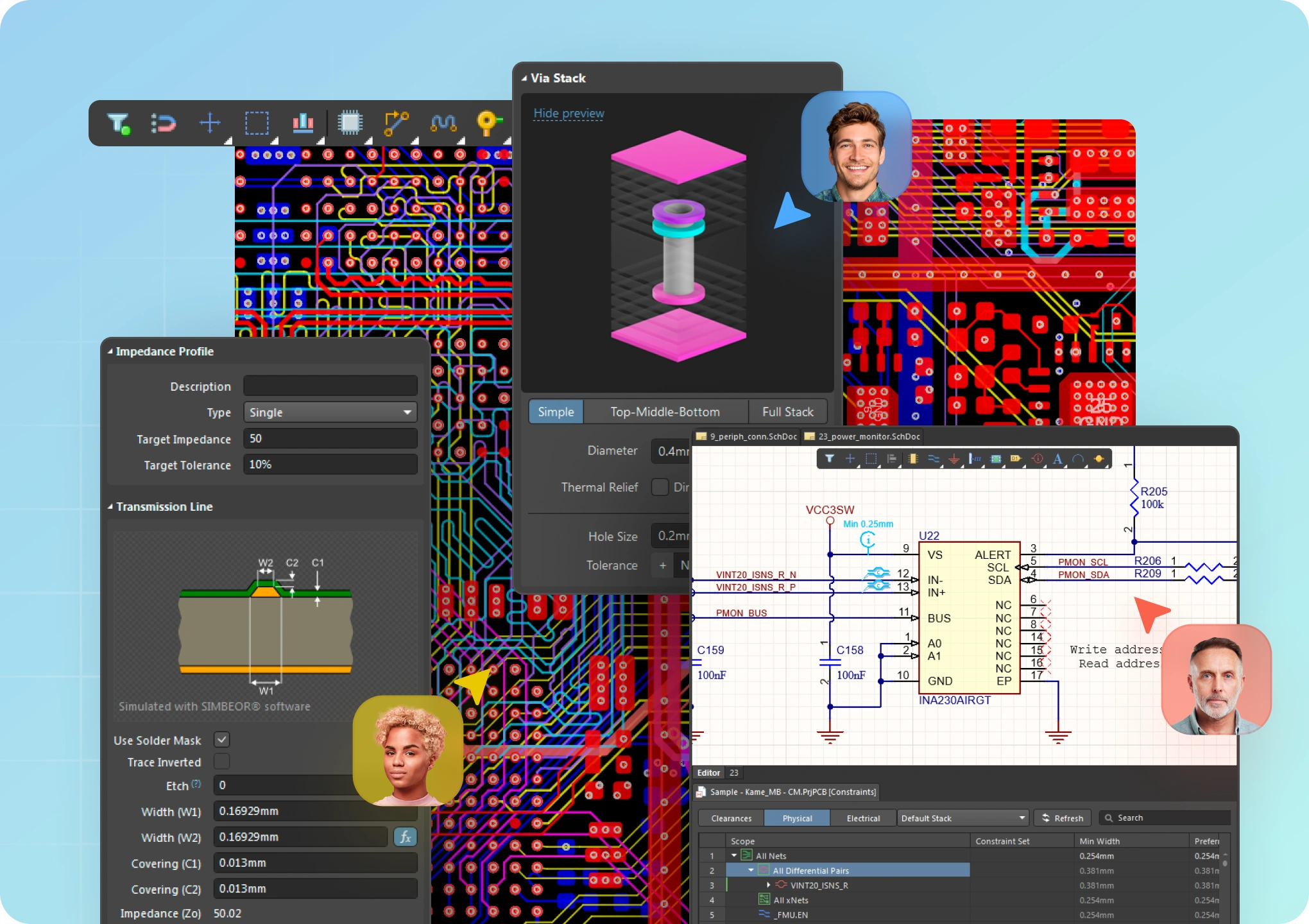
Enable true multidisciplinary co-creation, not by enforcing structure, but by empowering freedom. Electrical, mechanical, software, sourcing, and manufacturing—every discipline connects in a shared environment that aligns data, context, and purpose. Work together concurrently, not just in parallel.
Peer-Powered Network
Invite anyone. Work
without barriers.
Build on a peer-powered network that gives you the freedom to bring the right people into the process—whenever, wherever, and however you need them. It’s an environment where freedom and flexibility converge, anchored by shared purpose, to deliver truly limitless power to create.

Control without Complexity
A platform-based solution for electronics product and systems development.
Fast Time-to-Impact
Scales with your needs for control, connectivity, and compliance—without sacrificing speed and agility.
Enterprise Power, Without the Weight
Delivers the capabilities of traditional enterprise systems, without the complexity.
Adapts to Existing Environments
Integrates seamlessly with existing tools, systems and processes.
Tackle Any Design Complexity
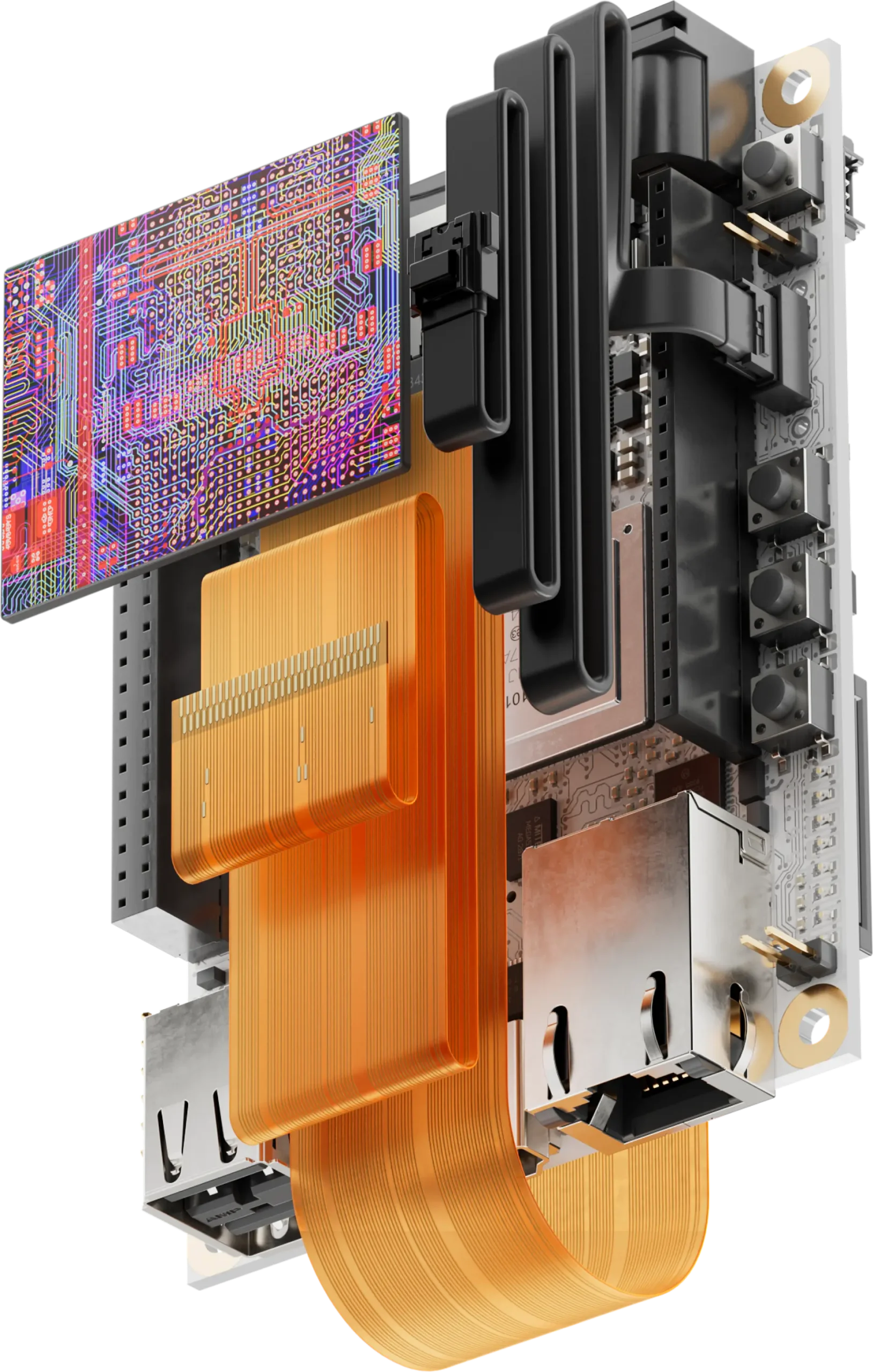
Electronic designs vary in complexity, posing challenges such as flexible designs and multi-board setups.
Altium Designer is a complete solution for PCB projects, from basic circuits to full avionics systems. With tools for design rule management, advanced routing, and 3D surface design, you can efficiently navigate complexities and control costs.
Manage, Access, and Sync Your Data
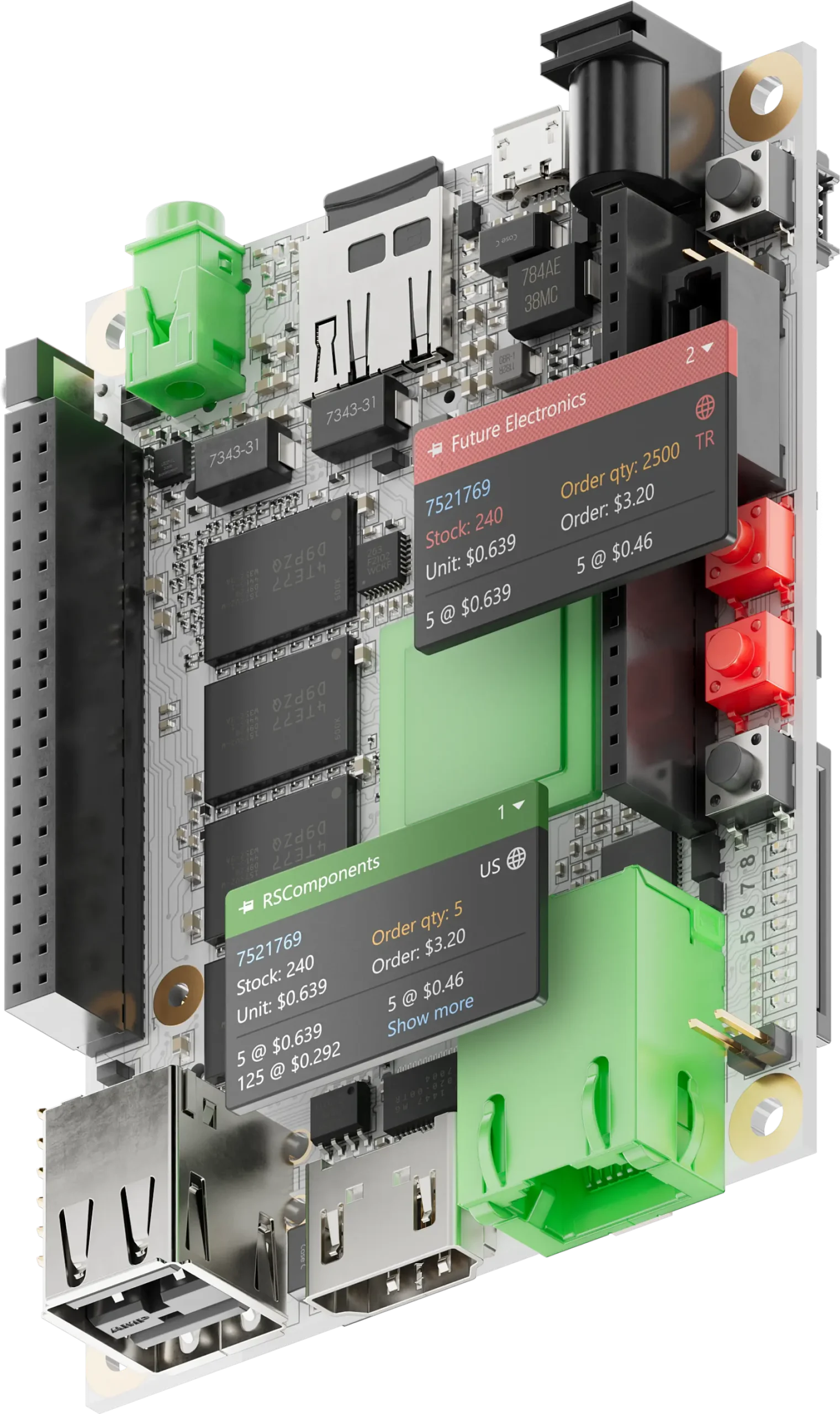
Effective PCB design demands meticulous data management, encompassing libraries, schematics, layouts, and mechanical elements.
Altium Designer and Altium 365 offers secure, version-controlled data management and real-time component information, reducing risks and enhancing manufacturability decisions.
Get Started with Altium Designer
Whether your designs are simple or complex, and you work solo or in a team,
Altium has a solution for every engineer or enterprise. Explore available
subscription levels and start using the one that suits your needs best.
Standard
For professional PCB designers and engineers to design PCBs with ease.
Pro
For teams or individuals designing electronic products who are looking for efficient ways to collaborate and manage their data flows.
Technical Details
Altium Designer supports Windows 10/11 (64-bit) and is compatible with Gerber, ODB++, IPC-2581, STEP, and DXF/DWG file formats. It offers multi-layer PCB design, 3D visualisation, signal integrity simulation, and real-time collaboration through Altium 365. Malaysian engineers use Altium Designer for everything from consumer electronics to aerospace-grade PCB design.
Operating System
Windows 10/11 (64-bit)
Supported File Formats
Gerber, ODB++, IPC-2581, STEP, DXF/DWG, etc
PCB Layers
Supports multiple layers, including signal, plane, mechanical, and drill layers.
Design Capabilities
3D PCB design, multi-board assembly, and flex/rigid-flex design.
Simulation Tools
Signal Integrity, Power Integrity, and Electromagnetic Compatibility.
Design Rule Checking:
Customizable DRC for electrical, mechanical, and manufacturing rules.
Collaboration
Integrated with Altium 365 for real-time collaboration and data management.
Schematic and Layout
Hierarchical design, variant management, interactive routing, and autorouting.
Frequently Asked Questions (FAQ)
Why ACAD Solutions for Altium in Malaysia
ACAD Solutions is the authorized Altium Designer reseller in Malaysia. Since 2014, we’ve helped 500+ electronics engineers across Malaysia design PCBs faster with local support, HRDCorp claimable training, and Malay/English customer service. Whether you’re an individual engineer or an enterprise team, we provide the right Altium subscription – Standard or Pro – with official licensing and post-sales support
Is Altium Designer available in Malaysia?
Yes. ACAD Solutions Sdn Bhd is the official authorized reseller of Altium Designer in Malaysia, with local sales, training, and support.
Altium Designer is a professional Electronic Design Automation (EDA) software
used for designing printed circuit boards (PCBs). It provides a unified environment
for schematic capture, PCB layout, design rule checking, 3D visualization, and
manufacturing documentation, helping engineers streamline the entire PCB
design process.
What is the difference between Altium Designer Standard and Pro?
Standard suits individual engineers designing PCBs professionally. Pro adds team collaboration, data management, and Altium 365 integration for multi-user environments.
What is the difference between Altium Designer and Altium 365?
Altium Designer is the PCB design software installed on your computer, while
Altium 365 is a cloud-based collaboration platform. Together, they enable
engineers to design, review, share, and manage PCB projects with improved
collaboration and revision control.
Is Altium training HRDCorp claimable in Malaysia?
Yes. ACAD Solutions offers HRDCorp claimable Altium Designer training courses for Malaysian companies.
Can I get a free trial of Altium Designer?
Yes. Request a free trial through ACAD Solutions and get full access to evaluate Altium Designer for your design needs.
Can I import projects from other PCB design software?
Yes. Altium Designer supports importing projects from several popular EDA
platforms, including Cadence OrCAD, Allegro, KiCad, Eagle, PADS, and CADSTAR.
Import compatibility may vary depending on the project complexity.
How often is Altium Designer updated?
Altium regularly releases software updates that include new features,
performance improvements, bug fixes, security enhancements, and compatibility
updates. Customers with an active subscription can access the latest supported
releases.
What file formats can Altium Designer export?
Altium Designer supports a wide range of industry-standard formats, including
Gerber, ODB++, IPC-2581, STEP, DXF, PDF, CSV, Excel BOM, Pick and Place, and
IPC-D-356.
What should I do if I encounter a software issue?
Before contacting technical support, we recommend Confirming your software
version, reviewing any error messages, and preparing screenshots or sample
project files. This helps our support team diagnose and resolve issues more
efficiently.
Does Altium Designer support version control?
Yes. Altium Designer supports version control through SVN, Git, and Altium 365
Workspace, allowing teams to track changes, manage revisions, and collaborate
more effectively.
How can revision history be managed within Altium projects?
Revision history can be managed using Altium 365 Workspace, Git, or SVN
repositories.
Does Altium Designer support High-Speed PCB Design?
Yes. Altium Designer includes advanced routing features such as differential pair
routing, length matching, delay tuning, impedance profile support, and layer
stack management to support high-speed PCB designs.
Can Altium Designer verify manufacturability before fabrication?
Yes. Design Rule Checking (DRC) helps identify potential manufacturing issues
such as clearance violations, routing errors, drill constraints, and solder mask
conflicts before the design is released for production.
How does Altium Designer manage design data across multiple engineers?
When used with Altium 365, multiple engineers can securely collaborate on the
same project through version control, browser-based design reviews,
commenting, and revision management, improving efficiency and reducing
design conflicts.