

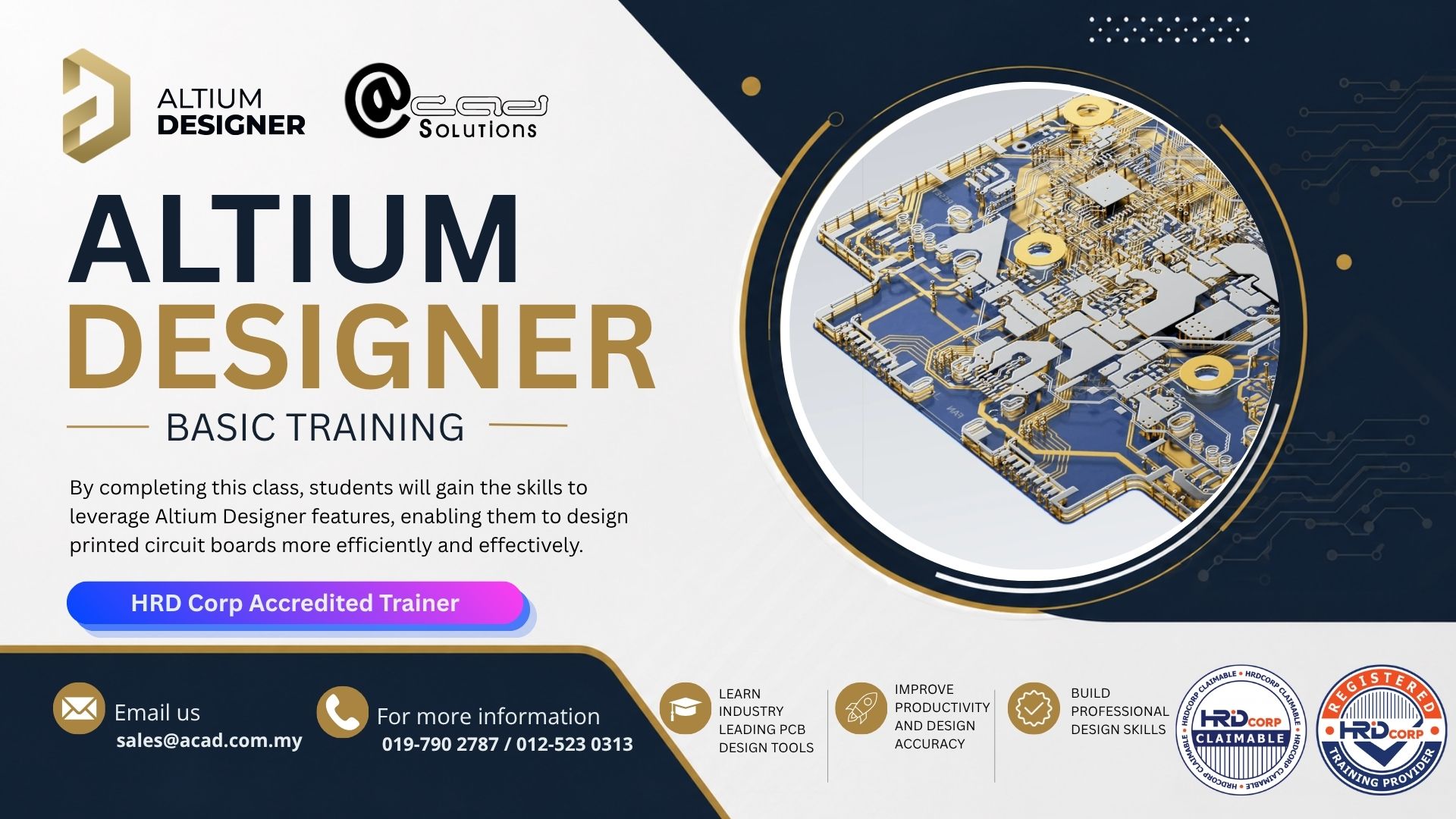
Altium Designer Basic Training

The 3-day course will cover exercises to provide hands-on experience with the application. Students will gain a solid grounding in the tool features and best practices essential for success.

Course Overview

The Basic Level course provides comprehensive coverage of the complete design workflow. Participants begin with a thorough exploration of the Altium Designer user interface, project management, and workspace configuration. The curriculum then progresses through schematic entry fundamentals, including component selection, connectivity practices, and net naming conventions.

Key modules include:

  • Schematic Capture Basics: Component placement, connection methodology, multi-sheet design fundamentals, electrical rules checking (ERC), and documentation preparation
  • Library Creation & Management: Schematic symbol design, footprint creation, and library organization.
  • PCB Layout Essentials: Board setup, layer stackup configuration, component placement strategies, routing fundamentals, and design rule configuration
  • Manufacturing & Documentation: Layer stackup documentation, bill of materials (BOM) generation, and fabrication output preparation (Gerber files, drill files)
  • Hands-On Exercises: Real-world design projects providing practical experience with complete design workflows from schematic to final fabrication outputs

Training Dates

Don’t miss out our upcoming training dates.

No.
Date
1
23 June 2026 - 25 June 2026
2
8 July 2026 - 10 July 2026
3
15 July 2026 - 17 July 2026
4
5 August 2026 -7 August 2026
5
18 August 2026 - 20 August 2026
6
8 September 2026 - 10 September 2026
7
22 September 2026 - 24 September 2026

Course Outlines

Module 1: Getting started
Module 2: The Altium designer environment
Module 3: It starts with a project
Module 4: Design documents
Module 5: Schematic libraries & components
Module 6: Schematic capture
Module 7: Defining the PCB board shape

Module 8: PCB layers
Module 9: Design rules
Module 10: Routing essentials
Module 11: Polygons pour
Module 12: Global editing
Module 13: Documentation outputs and BOM generation
Module 14: Outputs and fabrication files

Module 15: Schematic symbol creation
Module 16: PCB component creation
Module 17: Component creation
Module 18: Integrated libraries
Module 19: Multi‐sheet design & design hierarchy (project)
HRDCorp Claimable

Our Altium Training courses are now HRDCorp Claimable!

Take this chance to master your design skills, and take your productivity to the next level with our professional training courses!

Expected Outcome:

By course completion, participants will confidently execute end-to-end designs, understand design best practices, and be prepared to tackle intermediate and advanced projects.

Training Course: Altium Designer Basic Training
Price

RM5,250.00

No payment required yet.
Contact Us

For any special inquiries, feel free to contact our team by clicking the button below:

Register for Altium Designer Basic Training

The 3-day course will cover exercises to provide hands-on experience with the application. Students will gain a solid grounding in the tool features and best practices essential for success.
No payment required yet.